How to Create Viral AI Shorts in 10 Mins: Nano Banana 2 & Veo Full Workflow
The landscape of short-form content has shifted dramatically in 2026. Gone are the days of spending hours editing a 60-second clip. With the release of Nano Banana 2 (Gemini 3 Flash Image) and Google Veo, the barrier between a creative idea and a viral video has practically disappeared.
As a content creator, I’ve realized that the real “secret sauce” isn’t just about having the best tools, but about how you combine them into a seamless workflow. Today, I’m sharing the exact 10-minute system I use to generate high-retention AI Shorts that stand out in a crowded feed.
“Today, I am doing my best in everything. For a better life”
| Key Feature | Why it Matters for Shorts |
|---|---|
| Nano Banana 2 | Rapid 4K character generation with reference images for consistency. |
| Veo | Native 9:16 vertical output with high-fidelity cinematic motion. |
| Efficiency | Go from text prompt to a finished 8-second cinematic clip in under 2 minutes. |
Step 1. Creating Consistent Visuals with Nano Banana 2
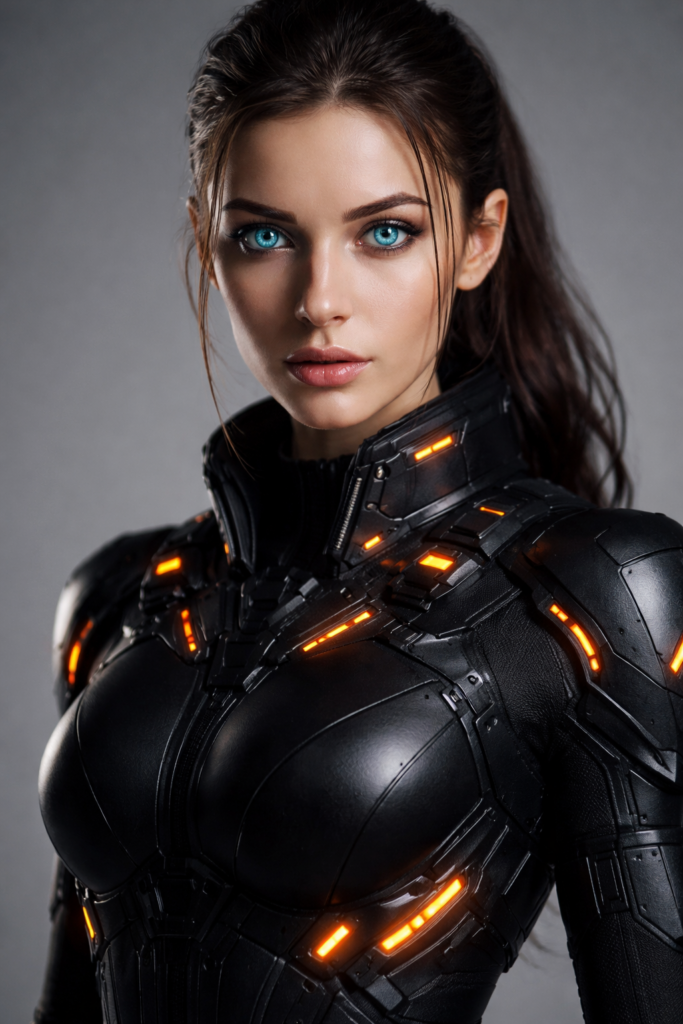
The biggest challenge in AI video production has always been character consistency. If your character’s appearance changes in every scene, your audience will lose focus. This is where Nano Banana 2 (Gemini 3 Flash Image) changes the game. By using its advanced “Character Reference” feature, you can lock in a specific face, hair, and style across multiple generations.
“When I worked on it myself, the point was to fix the color of my eyes”
To get started, you first need a “Base Image.” Once you have a character you like, you can use the following prompt structure to ensure they look the same in different poses or settings. This consistency is what separates a professional AI creator from an amateur.
Practical Prompt for Character Consistency
Copy and paste the prompt below into your Nano Banana 2 interface. Make sure to attach your base image as a reference before hitting generate.
[Prompt]
"A cinematic, 8k high-detail portrait of [Character Description], standing in a [New Environment: e.g., neon-lit street], wearing [Clothing: e.g., a leather jacket]. Maintain 100% character facial consistency from the attached reference image. Lighting: Dramatic volumetric fog, 85mm lens, photorealistic textures."
By keeping the character description identical to your base image and only changing the environment or action, Nano Banana 2 ensures your Shorts have a narrative flow that feels professional and intentional.
Step 2. Animating Scenes with Google Veo
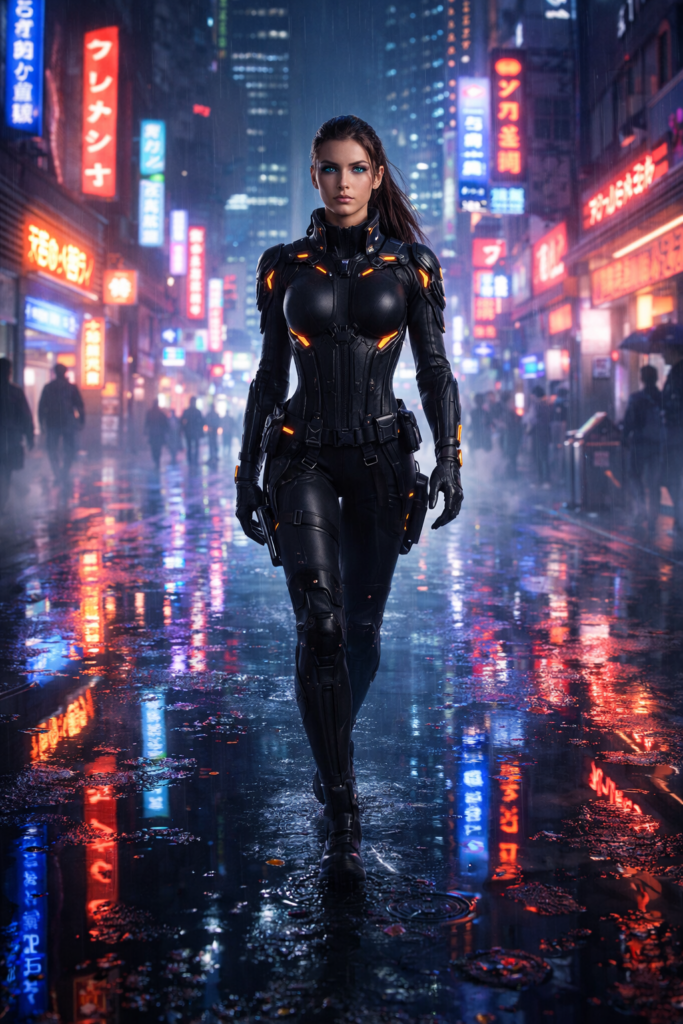
Once you have your consistent character images from Nano Banana 2, it’s time to breathe life into them using Google Veo. Veo is Google’s most advanced video generation model, capable of producing high-fidelity cinematic motion with native vertical support for Shorts and Reels.
The secret to professional AI video is Intentional Motion. Instead of letting the AI decide the movement, you should guide it with specific cinematic terms like Pan, Zoom, or Dolly. This ensures your Shorts look like they were filmed by a real cinematographer.
“I typed it in in detail and the results were amazing” I can do it
Practical Prompt for Cinematic Motion
Upload the character image you created in Step 1 to Google Veo and use the following prompt to generate an 8-second high-quality clip:
[Prompt]
"A slow 3D dolly-in shot toward [Character Description], focus on their facial expression. Cinematic lighting, background elements like [Environment Details: e.g., floating neon particles] moving subtly. High-fidelity textures, 4k, fluid 60fps movement, no artifacts."
By using the “Dolly-in” or “Slow Zoom” command, you create a psychological pull that increases viewer retention—a critical metric for viral Shorts. Veo’s ability to maintain the character’s features while adding natural movement is what makes this workflow so powerful in 2026.
Step 2. Final Polish: Adding AI Audio & 4K Upscaling
The visuals are now cinematic, but a viral Short is incomplete without immersive sound. This is where Lyria 3 (Google DeepMind) comes into play. By using the Video-to-Music feature, you can generate a synchronized 30-second soundtrack that perfectly matches the emotional tone of your AI-generated scenes.
“The atmosphere in Shorts was as calm and clear as the sea”
Once you have your audio and video, the final step is Upscaling. While Veo provides high-quality output, using an AI Upscaler ensures your content looks professional even on large 4K screens. This extra step shows your audience that you prioritize quality over quantity.
Practical Prompt for High-Fidelity Audio
In your Lyria 3 interface, describe the mood of your video or upload a frame from your Short to generate a perfectly timed soundtrack:
[Prompt]
"A cinematic, bass-heavy synth-wave track for a [Sci-fi/Adventure] theme. Sublow pulses, futuristic sound design, 120 BPM, spatial audio, crystal clear high frequencies. Sync with the movement of [Scene Description]."
By combining Nano Banana 2’s consistency, Veo’s motion, and Lyria 3’s sound, you have created a high-end content piece that outperforms 99% of AI-generated videos on social media. This workflow isn’t just about speed; it’s about setting a new standard for AI creativity in 2026.
Conclusion: The Future of AI-Driven Content Creation
As we’ve explored today, the synergy between Nano Banana 2 and Google Veo has revolutionized how we produce video content. We are no longer limited by expensive equipment or years of editing experience. Instead, we are only limited by the quality of our prompts and our creative vision.
“I will post with all my heart”
Success in AI content creation in 2026 isn’t about posting hundreds of low-quality clips. It’s about building a repeatable workflow that delivers cinematic results consistently. By following this 10-minute system, you’re not just saving time—you’re setting a new standard for your audience and building a valuable digital asset.
If you found this guide helpful, don’t forget to bookmark Smart Income Lab for the latest AI strategies and revenue-generating workflows. Now, it’s your turn: Which part of the Nano Banana 2 and Veo workflow are you most excited to try first? Let me know in the comments!
Master the AI Era with Smart Income Lab.
How to Build a Side Hustle While Working Full-Time “Happy”2026
답글 남기기